News
2026-09-24
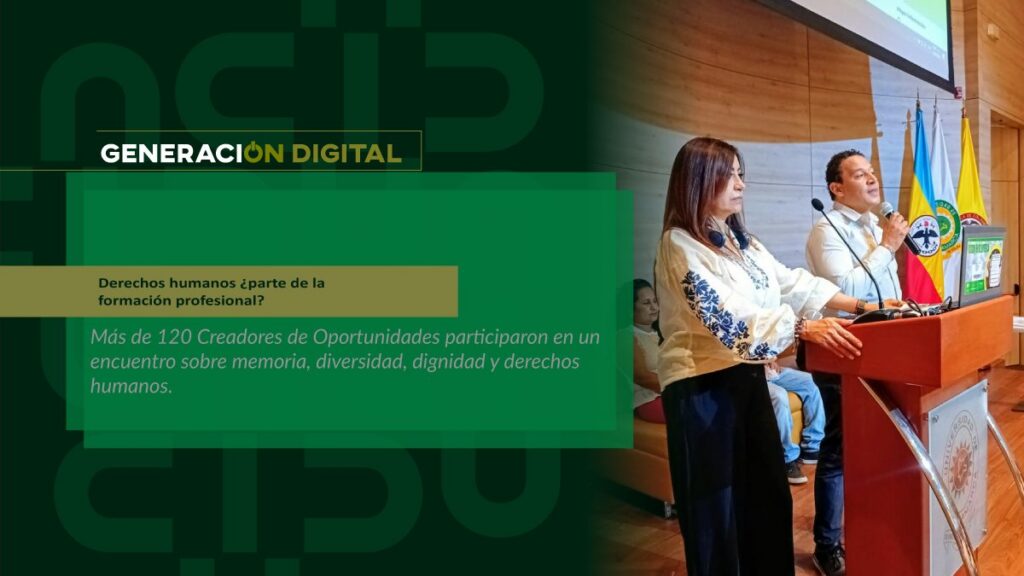
Human rights: part of professional training?
By: Alejandro García Suárez – Advisory Office of Communications


I am your virtual assistant, here to help you quickly and easily.
▲ Back to Top
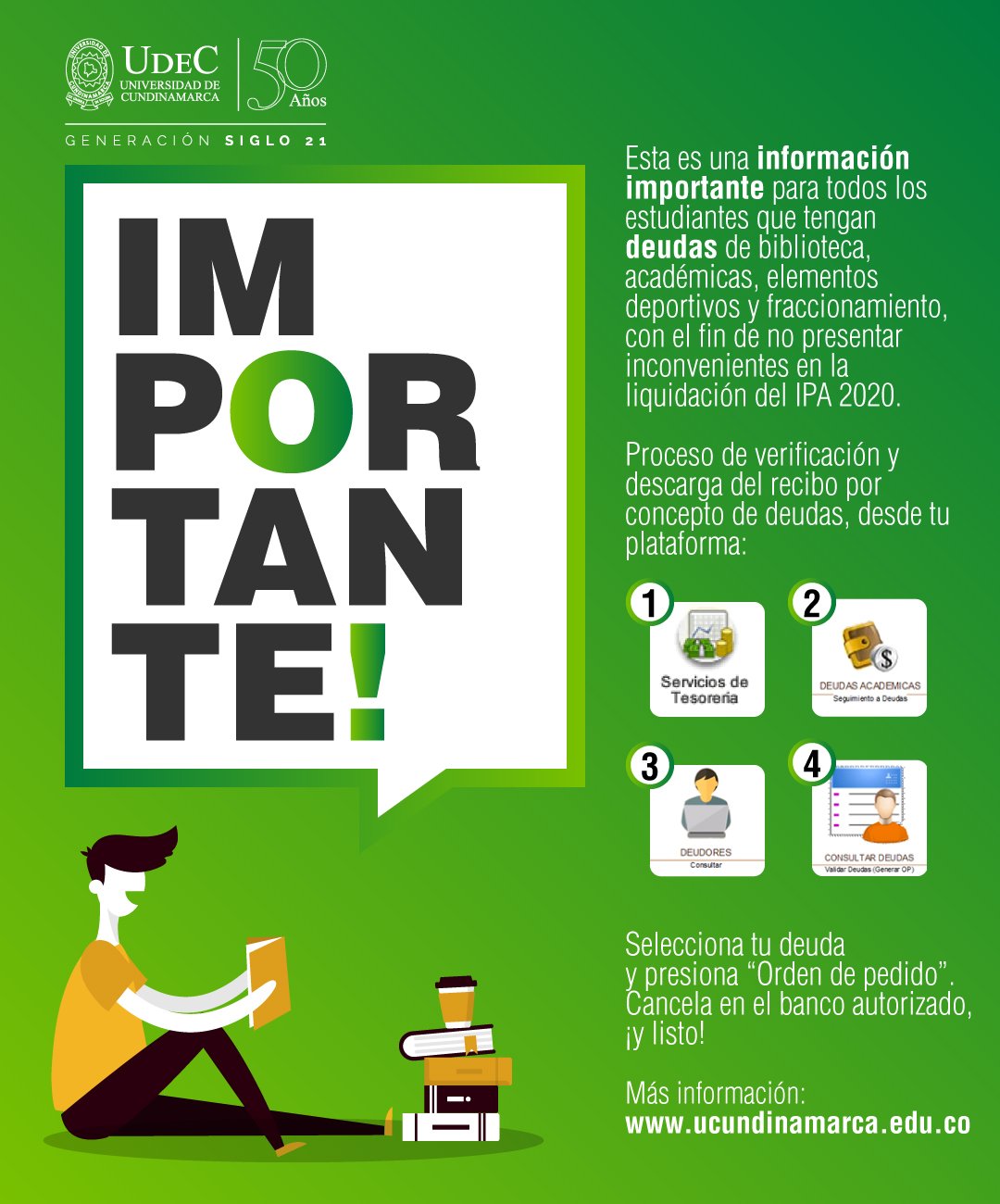
The student community is hereby informed that, in accordance with the provisions of the student regulations AGREEMENT No. 010 OF JULY 12, 2006 In Chapter II, Article 8, Paragraph 14, "Be in good standing with all University departments, in order to carry out the academic registration for the following period" otherwise a payment receipt for the IPA 2020 will not be generated.
Based on the above, the process for verifying and downloading the receipt for outstanding debts (Library, Academic, and Sports Equipment) is as follows: the student must log in to the institutional platform with their username and password and click on the "Treasury Services" icon, where they must select the "Academic Debts" option. Once inside the module, they must click on the "Debtors" option, where they should select the "Check Debts" logo. The number of active debts will then appear; select the debt and click on the "Order Request" option.
Note 1: The receipt must be paid on the same day it is generated, as the date will be the date on which the process is carried out. If it is not paid at that time, please contact 8281483 Ext 120 – 119, or email. [email protected] or go to the treasury office.
Note 2: Payment can only be made at the following banks:
Note 3: If you have outstanding library debts, you must bring a photocopy of the cancelled receipt to have the corresponding debt removed.
Note 4: If you have already generated your receipt, you can download it by logging into your platform with your username and password and clicking on the ORDER logo. IG To manage an order without a start or end date, select search and download the file that appears active.
Note 5: If you have an active installment plan, please note that you must pay all installments. You can download the receipt by clicking on the ORDER logo. IG in download quota.
News
News
News
News