Fusagasugá Branch
2026-09-24
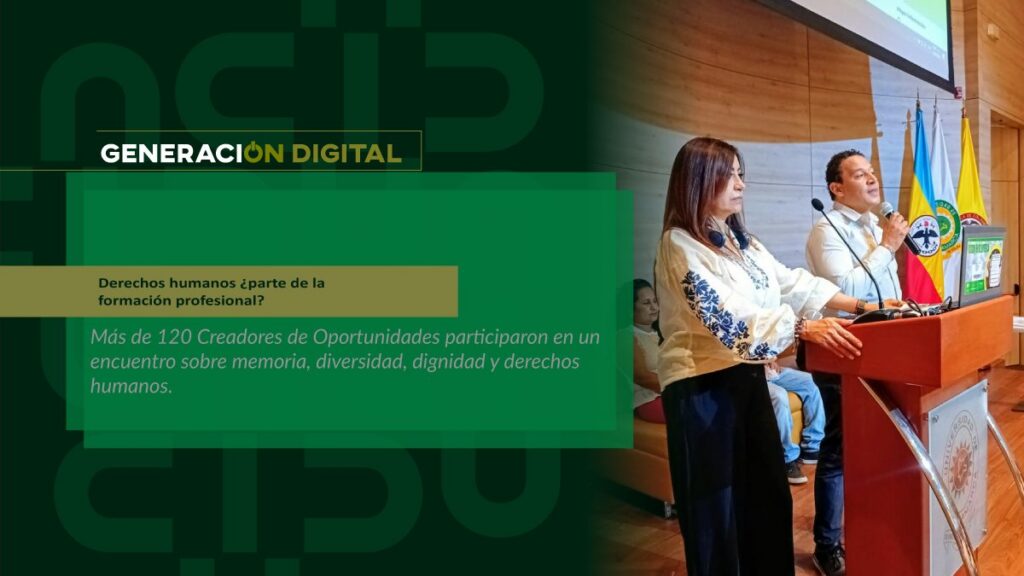
Human rights: part of professional training?
By: Alejandro García Suárez – Advisory Office of Communications



I am your virtual assistant, here to help you quickly and easily.
▲ Back to Top
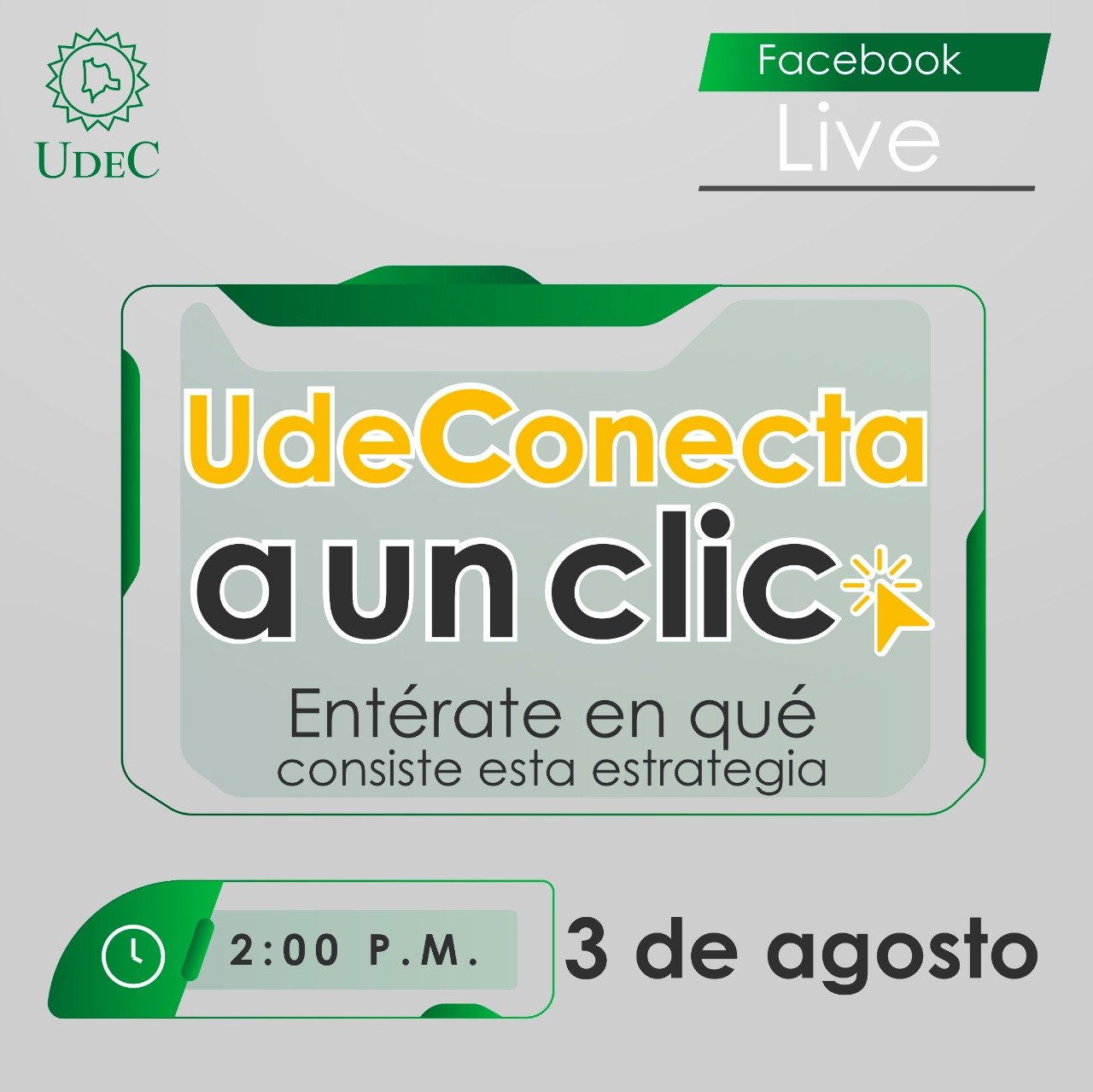
UdeConnects at a Click
Therefore, we encourage you to continue building upon the achievements of the 2020-1 period, to carry out any necessary improvements, and to strengthen collaborative strategies. For the 2020-2 period, the MEDIT A UN CLIC strategy is being launched to strengthen and ensure communication channels and response times to the needs of the university community.
It provides customer service through the MICROSOFT TEAMS tool, and through it the DIRECTORY will communicate with the contacts of each office, so that everyone is aware and can generate effective responses to the requirements presented by students, professors and administrative staff of the University of Cundinamarca.
Likewise, all administrative staff of the University of Cundinamarca are informed that they must take into account the use of all technological tools for the development of the different activities in the following way:
1. Training processes, meetings and work sessions must be virtual, through digital tools such as: Zoom and Microsoft Teams.
2. Correspondence should be handled via email (digital medium).
3. Microsoft tools such as SharePoint, OneDrive, Planner, and Power BI should be used to streamline procedures, communicate documents, and perform collaborative work between processes, thus providing immediate results and responses with a single click.
4. User support should be available with a single click, immediately and effectively, mediated by the Microsoft Teams tool, from 8:00 am to 12:00 pm and from 2:00 pm to 6:00 pm, Monday to Friday; also, through the emails found in the attached list, or during the established hours according to the provision of academic services in the different areas, such as deans' offices, libraries, agro-environmental studies units, research, university welfare, university social interaction, etc.
5. Administrative staff must address requests, requirements, information, etc., during established working hours via email, phone calls, and chat, using the Teams tool. Therefore, it is essential that the corresponding institutional accounts are active during working hours.
See circular 09
News
News
News
News