News
2026-09-24
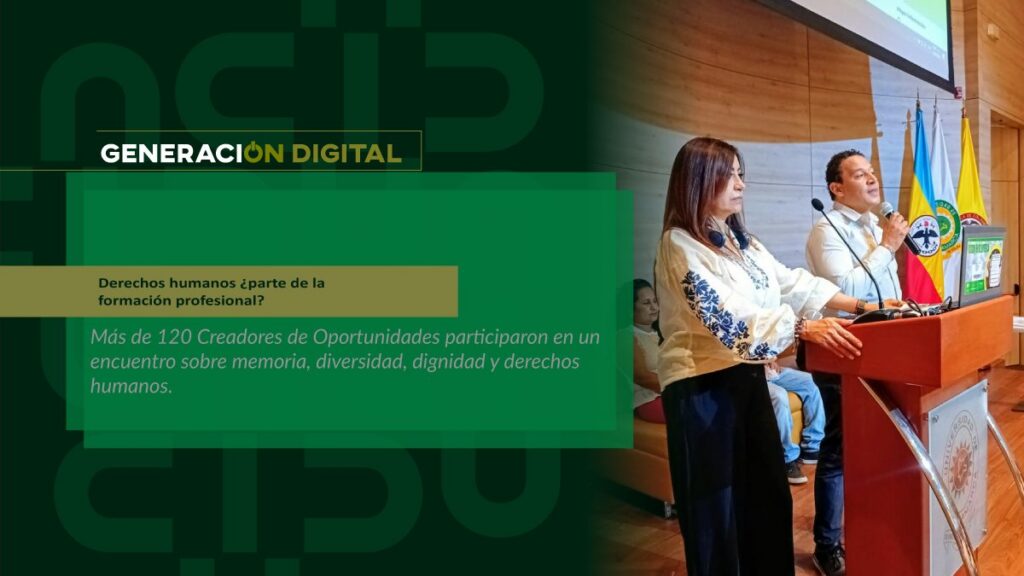
Human rights: part of professional training?
By: Alejandro García Suárez – Advisory Office of Communications



I am your virtual assistant, here to help you quickly and easily.
▲ Back to Top

Thanks to the joint work between the Director of Systems and Technology, the Information Security Management System (ISMS), the Technological Services Area of UCundinamarca, and Microsoft, actions have been taken to mitigate the cyberattack campaign. phishing which has circulated nationwide and which on this occasion affected the Institution, impersonating institutional emails.
“We want to reassure the entire university community at the main campus, branches, extensions, and the Bogotá office. Emails were receiving information related to the “Specialized Criminal Court of Bogotá,” encouraging users to download an attachment containing a virus, designed to install itself on their computers and steal information. This is a cybercrime, according to Law 1273 of 2009,” explained Edilson Martínez Clavijo, Director of Systems and Technology at UCundinamarca.
According to the Information Security Management System (ISMS), phishing is a type of attack considered social engineering. It uses messages that impersonate legitimate entities, in this case, Microsoft's email server, to gain the trust and attention of users. These messages are often urgent, designed to trick users into opening or downloading links or attachments that typically contain viruses or executable files. Cybercriminals then use these files to access computers and steal or hijack information. In other cases, they use them to gain control of computer resources.
The Systems and Technology Department recommends that you take into account the following guidelines to avoid becoming a victim of this type of attack:
Attention! Officials, students and teachers
If you receive or suspect any message in your institutional email, please contact the Information Security Management System at the following email address: [email protected] and to the Technological Services Area [email protected] in order to be able to assist, contain, mitigate and analyze the incident according to the type of attack.
News
News
News
News