









Attention Social Science students
Academic Council approved academic activities measured by technology.


I am your virtual assistant, here to help you quickly and easily.
▲ Back to Top

This procedure is handled directly from the Institutional Platform (Academusoft application) entering the Institutional Request System (SIS), then to the icon of Training and Learning Management and submit an application.
The requirements that the student must meet to take the thematic core validation exam are as follows:
Students may request the cancellation of one or more core courses from the program director or coordinator. Cancellations can be made within the first four weeks of classes, upon payment of the corresponding fees. Students who cancel a core course cannot re-enroll in it during that semester.
The student may request the validation of core courses taken in another academic program of the university or in another higher education institution recognized by the Colombian state.
You must submit an application to the Faculty Council, who will be in charge of carrying out the homologation and will have five (5) business days for its processing, after which they will notify their decision to the Admissions and Registration Office
The requirements to apply for the validation of subjects are:
To complete your academic registration, you must log in with your username and password to the institutional platform/academic students/online registration/register, select the subject and the defined group and click register. Once you have finished registering all the subjects, click the finish button.
The University of Cundinamarca has established, through the Academic Calendar, the dates for the registration of thematic units, which is published on the website.
page https://ucundinamarca.dp150.xyz/
Once the student has completed the study plan and has defended their graduation option, they must enter the Institutional Platform (Academusoft application) on the dates established by the academic calendar for the review of folders by entering the Institutional System of Requests (SIS)/Admissions Management and Registration/Data Update Folder Review.
The following documents are requirements for the review of folders that must be scanned and uploaded to the Application (SIS) Institutional System of Requests by entering Institutional Platform/Admissions Management and Registration/Data Update Folder Review.
Citizenship card extended to 150%, both sides.
Saber-Pro ECAES results.
Civil Registry.
Document-type photograph in JPG format, no larger than 100KB
Graduate Follow-up Survey. (Survey completed via SIS) Institutional Application System.
Satisfaction Survey. (Survey completed via SIS) Institutional Request System.
Postgraduate students must scan their national identity card and complete the Graduate and Satisfaction Survey.
The required documents must be in one (1) single PDF file.
Students who do NOT submit the original bank-stamped payment receipt for graduation fees to the Admissions and Registration office within the established dates will NOT have their Diploma or Graduation Certificate processed.
ATTENTION! The Folder Review process will NOT be initiated for students who have not uploaded complete information to the SIS.
The student must log into their institutional platform, select the “SIS” icon (Institutional System of Requests) and then the “Admissions and Registration” icon.
Click on “Service Request”, enter the role you play at UCundinamarca, then choose “Generate Request”.
Select the option according to your needs (Proof of Study – Certificate of Good Conduct or certificate of grades), fill in the requested information, save the process and download the payment receipt.
Pay at the indicated bank (Banco Davivienda – Banco Agrario) and once the payment receipt has been paid, please send it to [email protected]
Make sure the email you register on your platform is correct.
Constantly check your inbox and spam folder.
Remember that the delivery date for any document is eight (8) business days as established in the Student Regulations CHAPTER VIII Article 50 – Issuance of certificates and records click here.
If you need the document to be issued with any special text, transcribe it in the "observations" field when making the request.
The student must access the institutional service/platform/consult user at the following link:
https://www.ucundinamarca.edu.co/index.php/servicios/plataforma-institucional
with the type of document that corresponds to you and correctly enter the number of the same.
Initially, your password to access the Platform will be the same as your assigned username. The system will prompt you to change your password the first time you log in.
To request or change the password for the institutional email, the student must log in with their username and password to the institutional platform /SIS (Institutional Request System)/Directorate of systems and technology/Systems Management/access to computer resources institutional email wifi access
The University of Cundinamarca publishes on the page
www.ucundinamarca.edu.co website
The registration process includes instructions for completing the registration form.
To complete the form, it is important to keep in mind the date you graduated from undergraduate studies.

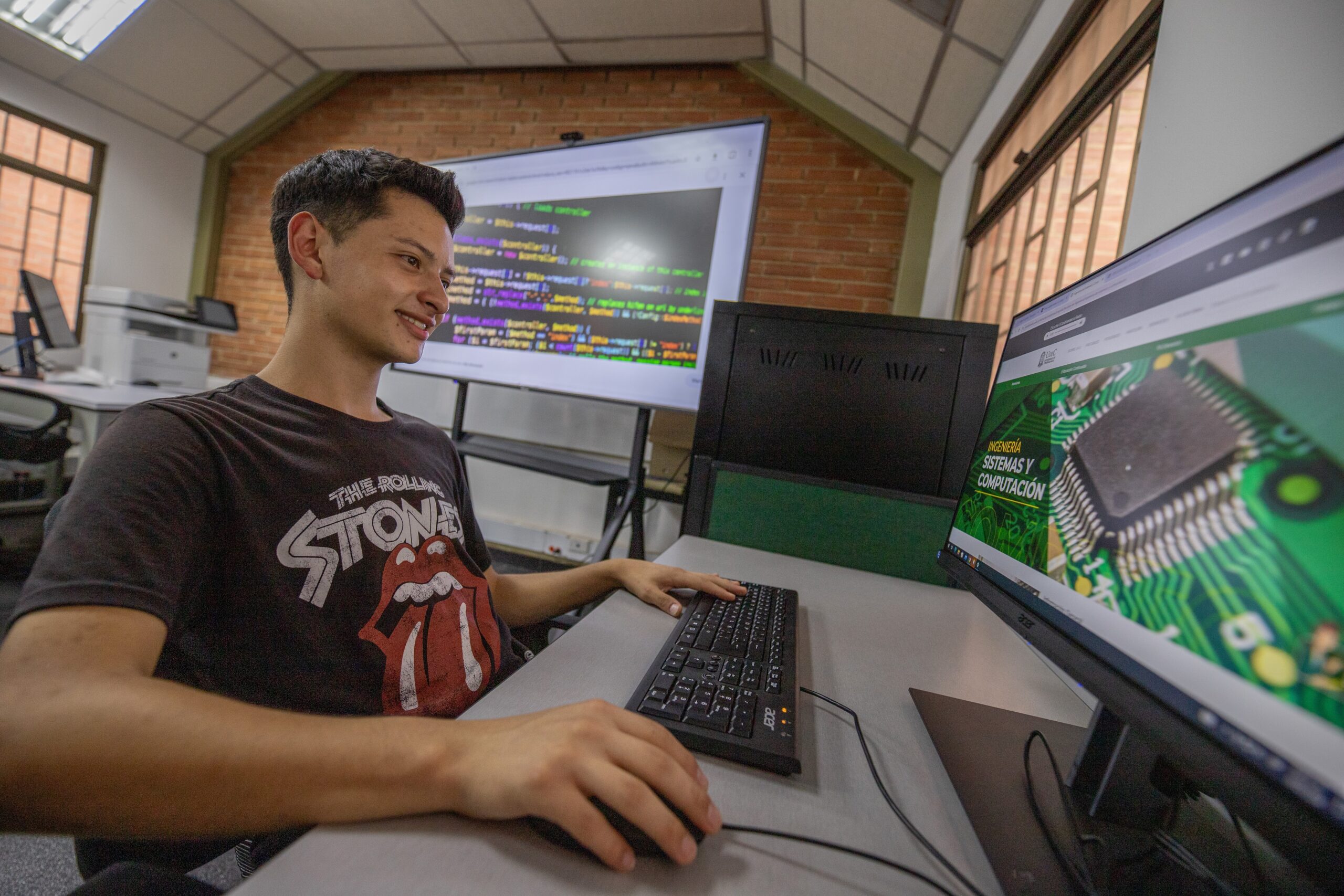
Hello! We are working to offer you a better content experience on our website; here you can find the guide to using all the services we have for you through our institutional platform.
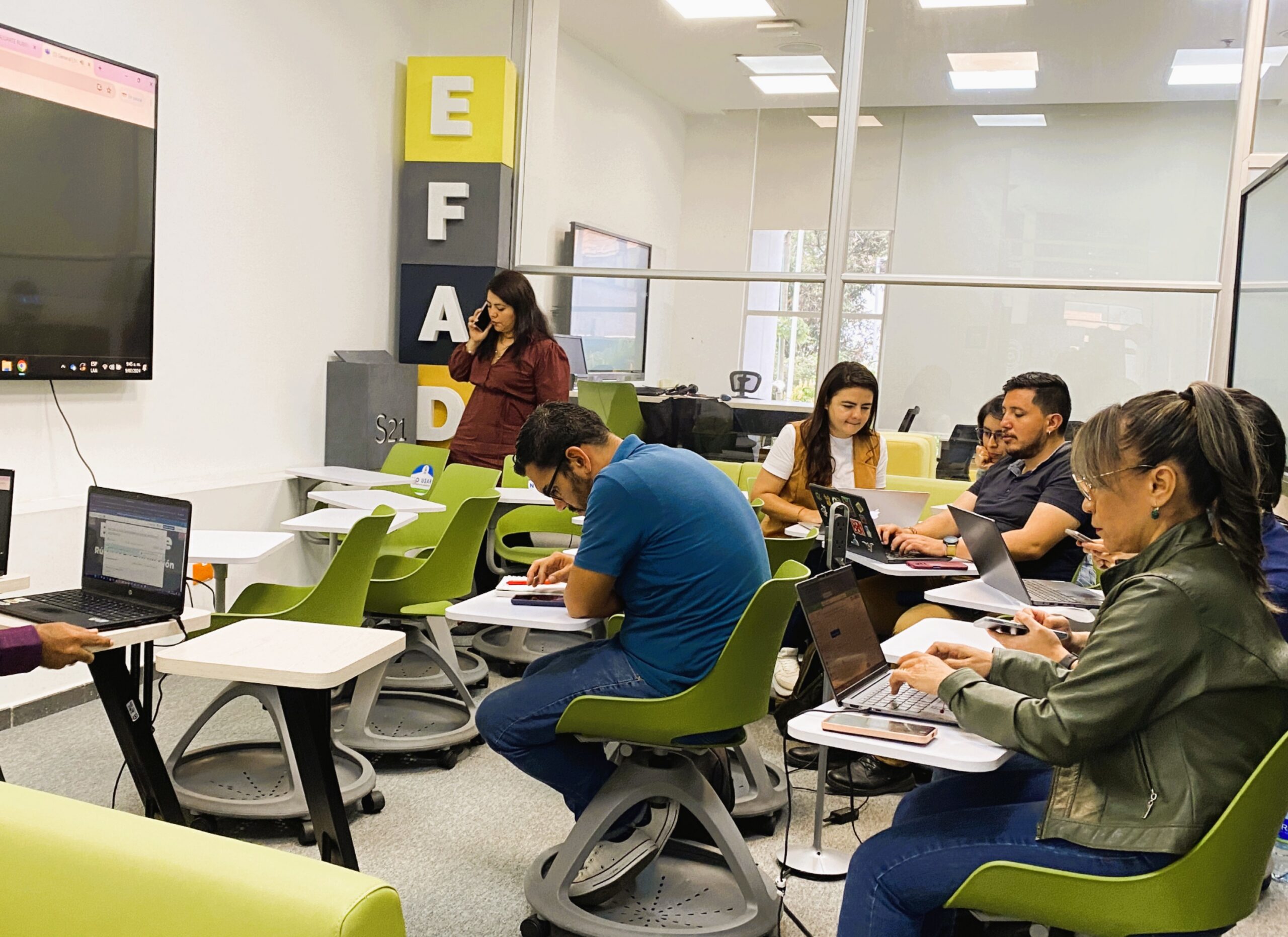
The University of Cundinamarca informs its student community of the opening of the inter-semester academic spaces corresponding to the CAI's 2026-1 period, a strategy that will allow students to strengthen their training process and catch up on their academic trajectory.
View and download the agreements that establish and amend the Student Handbook of the University of Cundinamarca for undergraduate and graduate programs.
Students
Students
Students
Students