










Attention Social Science students
Academic Council approved academic activities measured by technology.


I am your virtual assistant, here to help you quickly and easily.
▲ Back to Top

This procedure is handled directly from the Institutional Platform (Academusoft application) entering the Institutional Request System (SIS), then to the icon of Training and Learning Management and submit an application.
The requirements that the student must meet to take the thematic core validation exam are as follows:
No, you can only register for one program.
Applicants who completed their high school studies in another country may take tests equivalent to the Saber 11 exam, established for admission to higher education, as set out in the ICFES regulations.
The academic programs offered by the University of Cundinamarca can be found at the following link: programs/undergraduate/faculty/program
Yes, the University of Cundinamarca, through its Student Welfare department, offers socioeconomic programs which can be viewed at the following link: https://www.ucundinamarca.edu.co/index.php/bienestar-universitario. Additionally, one of the incentives within the regulations is the honors tuition scholarship, which is awarded to the two students with the highest grade point averages in their program.
It includes payment of fees, completion of the form, uploading of documents, acceptance of terms and authorization of data processing. ACUERDO_CA_028.pdf
When a student is admitted to an academic program at the University of Cundinamarca, the required documents must be uploaded digitally to the institutional platform via the "Documents and Curriculum Vitae" link; therefore, physical documents are not required.
If the student forgets their institutional email password, they should follow these steps:
1. You must log in to the institutional platform with your username and password.
2. Select the Institutional System of Requests (SIS) icon.
3. Select the Systems and Technology Department (Systems Management) icon
4. Select the "Access to Computer Resources" icon.
5. Select the Request Password Recovery icon
The Systems and Technology office will respond within 2 to 3 days via the same channel.
To check your institutional email, you must access the link service/institutional email/inquiry and use the identity number you used to register on the platform to check your email.
If you are experiencing problems with the institutional platform, you can check your user account through the main page www.ucundinamarca.edu.co, under "Services/Institutional Platform." At the bottom of the page, you will find a link to access your username, where you will be asked for the identification number you used to register on the platform. On the left side, you will find a link to reset your password. If these two options do not work, you can send an email to [email protected] detailing the issue you are experiencing.
The University of Cundinamarca, through agreement 014 of 2012, establishes the ratification of the pecuniary rights, which can be consulted in the following link

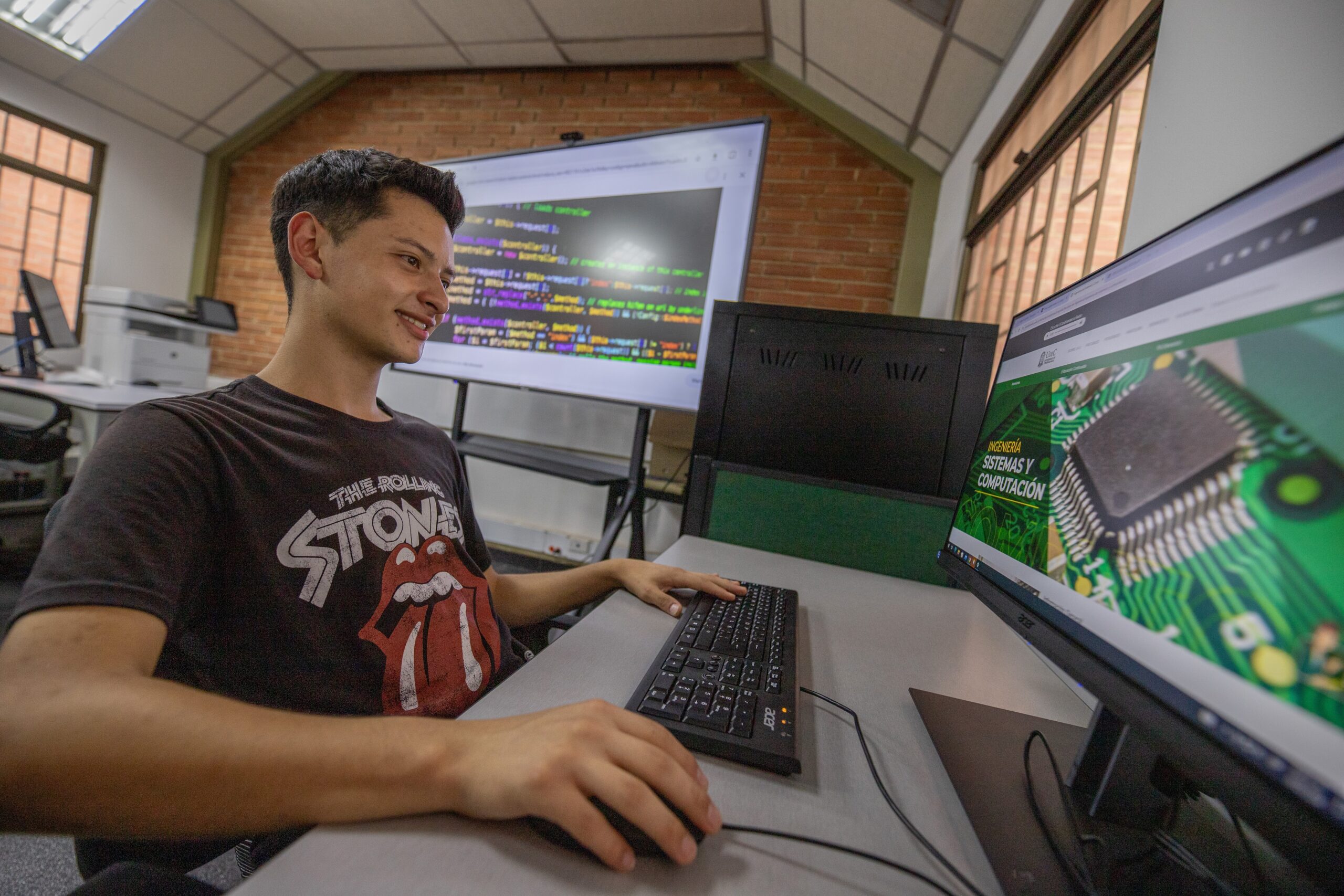
Hello! We are working to offer you a better content experience on our website; here you can find the guide to using all the services we have for you through our institutional platform.
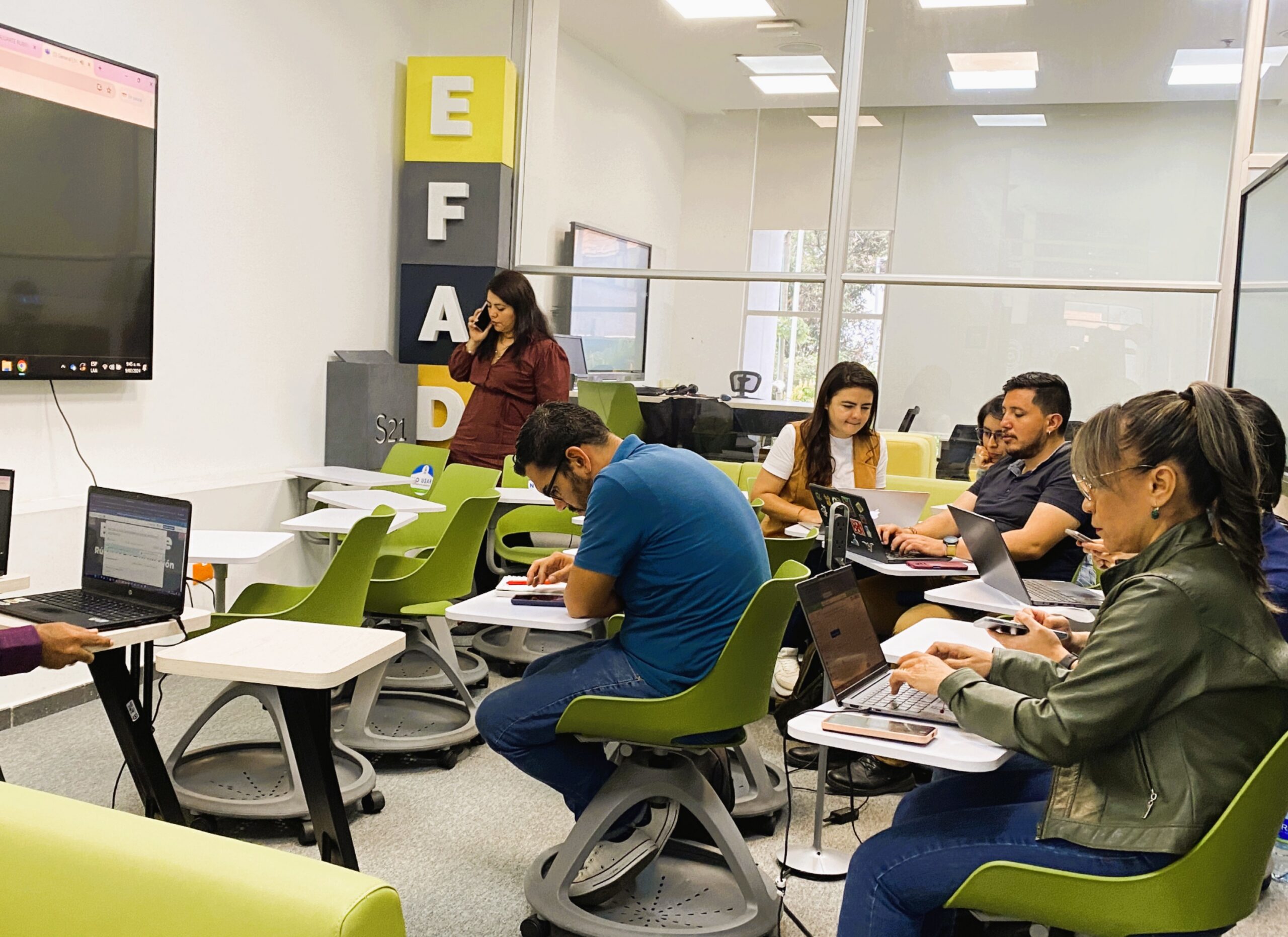
The University of Cundinamarca informs its student community of the opening of the inter-semester academic spaces corresponding to the CAI's 2026-1 period, a strategy that will allow students to strengthen their training process and catch up on their academic trajectory.
View and download the agreements that establish and amend the Student Handbook of the University of Cundinamarca for undergraduate and graduate programs.

Students
Students
Students
Students