
Institutional high-quality accreditation link stiky-sticky

▲ Back to Top

Bibliographic material

External loan

Service by which regular users (undergraduate and graduate students, faculty, administrative staff, alumni) or external users (users from other institutions with which the university has an agreement), check out bibliographic material available for this purpose in each of the management centers that make up the system as a loan for a specified period of time; you only need your institutional ID card and to be in good standing with the CGCA.

External loan

Service by which both internal and external users consult bibliographic material directly at the CGCA facilities.
Internal loan allows users free access to the library's existing documentary materials in the collection with no other restriction than being used within the facilities.

Technological elements

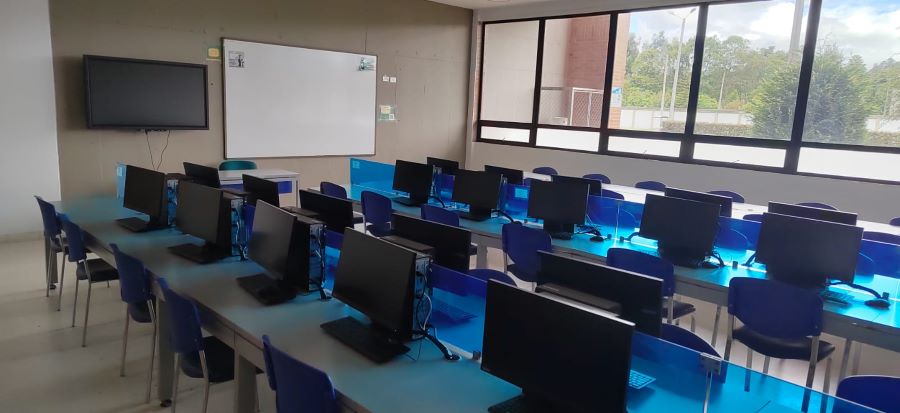
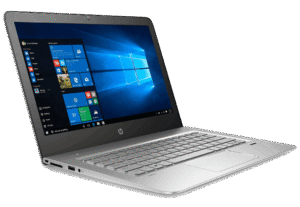
Computer equipment

PC e1783025176463

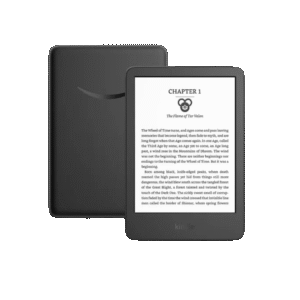
Kindle

Kindle 300x300

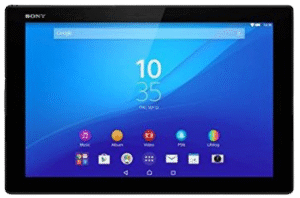
Tablet

Tablet e1783025566611

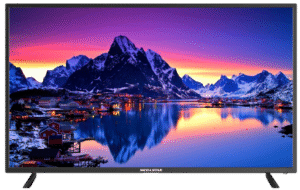
Televisions

TV e1783025644692

Internal Loan

(Computers, Kindle, Tablets, Televisions, Cables, Headphones, and Games)


The user may request the service from CGCA personnel at the service points. Upon receiving the equipment, the Library staff will check and report on the good condition of the equipment, inform the user of the terms of use, and indicate where to find the Instructions. In the event of disagreeing with the terms of use, the service instructions, or finding physical or functional anomalies, the user must immediately return the equipment and report their disagreement or the condition of the equipment, as applicable.


The registration of equipment loans and returns will be carried out through the institutional platform. Delays and fines will be reported to the treasury. The use of the equipment is permitted exclusively within the CGCA facilities. The formally unauthorized transfer of any equipment outside the facilities will result in penalties for the user. For use within the University facilities, the internal loan form will be used (use is authorized for a maximum of 2 hours).


External loan

Kindle


  • The user can go to the CGCA of their regional unit, where the staff will provide the appropriate forms to fill out. (External Loan and Bailment)
  • Both parties must verify the condition of the equipment and leave the pertinent observations.
  • This loan is made for a maximum duration of the academic period.


(Computers and Tablets)


  • The user must request the loan of the equipment through the institutional platform.
  • The program coordinator must approve the equipment loan.
  • As soon as the request is approved, the user can go to the CGCA of their regional unit, where the staff will provide the indicated forms to be filled out. (External Loan and Bailment)
  • Both parties must verify the condition of the equipment and leave the pertinent observations.
  • This loan is made for a maximum duration of the academic period.

Step-by-step external computer equipment loan.

Steps to request an external educational media loan

External loan of educational media

For more information: [email protected]

1

Log in to the institutional platform

2

Select the Institutional Request System (SIS) option

3

Select Academic Support Management and then click Requests

4

Continue with Add Request

5

Select the service

External loan of educational media.

6

Wait for the response

Remember to keep an eye out for the response via your institutional email.

NoteRemember to keep an eye out for the response via your institutional email.

Loans

Loans

Loans

Loans